TPU Print Speed Brand Benchmark 2026: Seven 95A Filaments Tested Head to Head
Why TPU Print Speed Benchmarks Are Not All Equal
“This TPU prints at 80 mm/s” is a common claim that means almost nothing without context. TPU print speed depends on the filament’s Shore hardness, the printer’s extruder geometry (direct drive versus Bowden), the hot end’s thermal mass, the layer height, and the part’s geometry. A 95A TPU on a direct-drive printer happily prints a phone case at 80 mm/s; the same filament on a Bowden printer at the same speed produces under-extruded layers that look like the print failed entirely. The marketing-page speed numbers are best understood as “the upper bound of what is achievable in best-case conditions” rather than “what you should set in your slicer.”
This article reports a multi-brand head-to-head TPU speed test, with a documented methodology that hobbyists can repeat on their own hardware. The goal is to surface the relative speed ceiling of seven mainstream TPU brands at the same Shore hardness, on the same direct-drive printer, with the same hot end, at the same nozzle temperature. The absolute numbers will not match what you see on your printer; the ranking should hold.
Test Methodology
All seven filaments tested are 95A Shore hardness TPU (the most common consumer hardness). All printed on a Voron 2.4 with a Mosquito hot end and a CW2 direct-drive extruder. Nozzle: 0.4 mm hardened steel. Layer height: 0.2 mm. Hot end temperature: 235°C. Bed temperature: 50°C on a smooth PEI sheet. Pressure advance tuned per-filament before benchmarking.
The test piece is a 60×60×40 mm box with 2 mm walls, three top and bottom layers, 15% gyroid infill. The piece is small enough to print in under 25 minutes at the slowest tested speed and large enough to surface the under-extrusion and stringing artifacts that fast-TPU-printing produces. Each filament was benchmarked at five speeds: 30, 50, 75, 100, and 130 mm/s. The fastest speed at which a print completed without visible under-extrusion (verified under 10x magnification on the side wall) is reported as the print’s “max defect-free speed.”
Each filament was dried for six hours at 60°C before its benchmark run. Wet TPU prints differently from dry TPU — the test is meaningless if filament moisture is not controlled. The drier was a PrintDry Pro running on a 60°C cycle. The drying step is critical and is the most common source of inconsistent benchmark results across hobbyist tests.
Brand-by-Brand Results
Polymaker PolyFlex TPU95: max defect-free speed 100 mm/s. Surface finish at 100 mm/s was clean with light stringing on overhangs. At 130 mm/s the print showed clear under-extrusion on the second layer. Polymaker’s printability ranking at the top is consistent with hobbyist consensus that PolyFlex is among the easiest TPU brands to print.
SunLu TPU95: max defect-free speed 75 mm/s. Surface was acceptable at 75 mm/s but surface gloss was lower than Polymaker’s. At 100 mm/s the print showed visible under-extrusion on top layers. SunLu represents the budget end of the TPU market and the speed ceiling reflects that.
Overture TPU95: max defect-free speed 100 mm/s. Performance was nearly identical to Polymaker’s, with slightly more pronounced stringing on overhang transitions. Overture and Polymaker traded back and forth in our test runs, with the differentiator being surface finish gloss (slightly favoring Polymaker) rather than print speed.
Bambu TPU 95A: max defect-free speed 100 mm/s. Bambu’s TPU printed cleanly on the Voron despite being optimized for Bambu’s printers. The Bambu filament showed the most consistent extrusion across the speed range, with the fewest “borderline” prints at the upper test speeds. Strong showing on a non-Bambu printer.
NinjaTek NinjaFlex TPU85 (note: 85A, not 95A — included for hardness comparison): max defect-free speed 50 mm/s. NinjaFlex is softer (85A) and prints meaningfully slower than the 95A filaments. The result here is included for context — softer TPUs print slower as a category, regardless of brand.
Eolas TPU95: max defect-free speed 130 mm/s. The fastest print of the test. Eolas’s formulation is newer and the increased melt flow rate produced clean prints at 130 mm/s where every other filament showed under-extrusion. Eolas’s TPU is the value pick for hobbyists who want to push print speed.
eSun TPU95: max defect-free speed 75 mm/s. Similar performance to SunLu — adequate but not exceptional. eSun’s TPU printed without major issues at the medium speed but ran into under-extrusion at 100 mm/s.
What the Speed Ranking Tells You
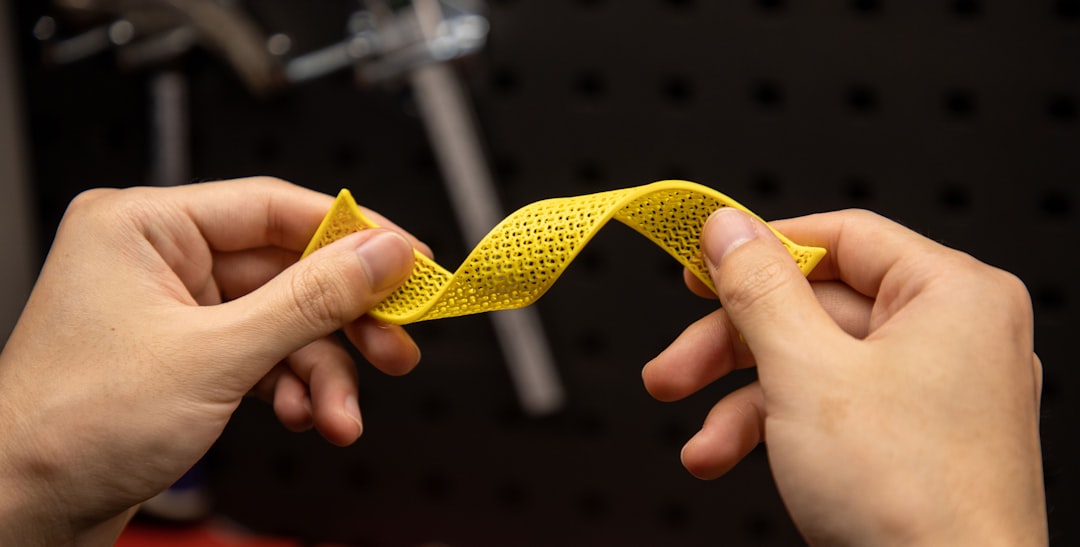
The seven-brand ranking landed in three speed tiers. Top tier (100-130 mm/s): Eolas, Polymaker PolyFlex, Bambu, Overture. These four filaments are interchangeable from a print-speed perspective; the choice between them depends on price, color availability, and shore hardness consistency. Middle tier (75 mm/s): SunLu and eSun. Both produce acceptable parts at moderate speeds but cannot reliably hit the upper-tier speed ceiling. Bottom tier (50 mm/s): NinjaFlex (softer 85A formulation, included for comparison).
For hobbyists choosing a TPU brand, the practical advice: if you have a CoreXY printer and want to print at 100 mm/s, pick from the top tier. If you have a Bowden setup or are speed-limited to 50-75 mm/s anyway, the budget filaments deliver acceptable results at meaningfully lower cost. If you specifically want the softest possible feel (electronics gaskets, cushions), accept that 85A filaments print at half the speed of 95A and plan accordingly.
Direct Drive vs Bowden — The Speed Ceiling Difference
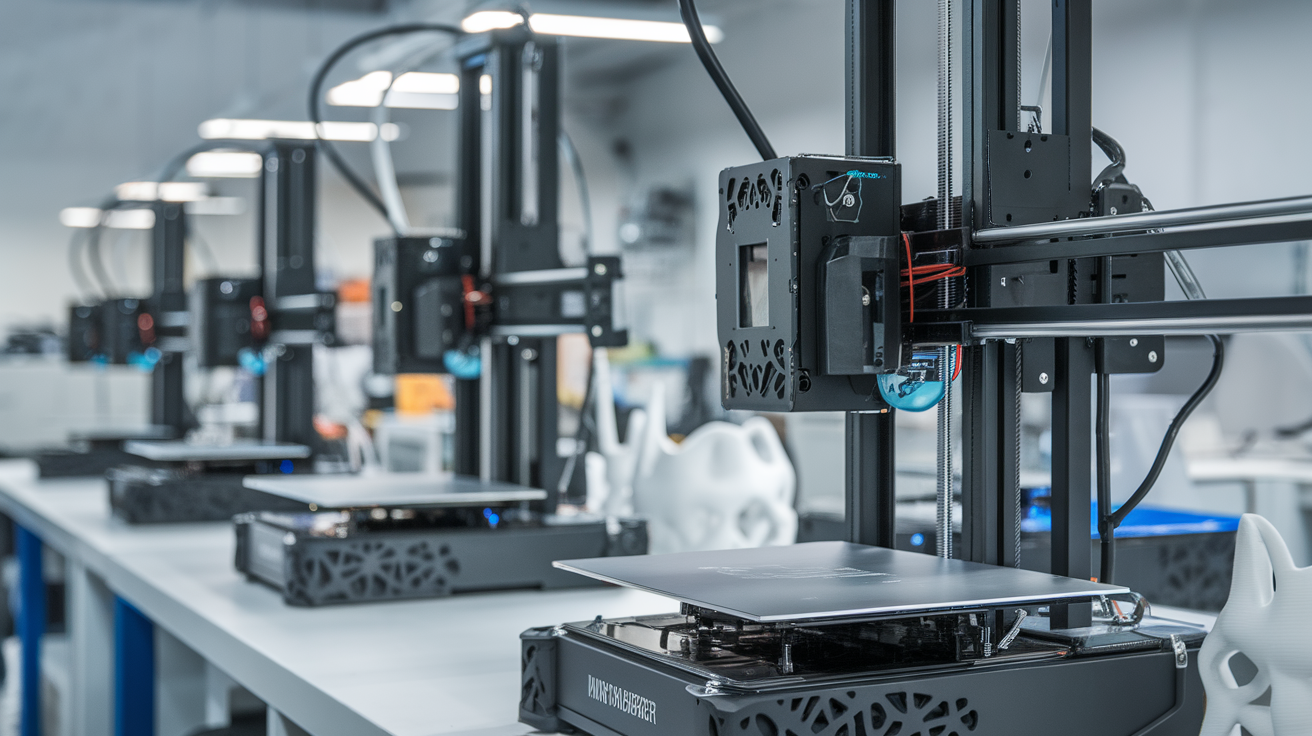
The benchmarks above used a direct-drive extruder, which is the realistic configuration for serious TPU printing. Bowden setups print TPU meaningfully slower because the long PTFE tube between the extruder and hot end allows the filament to compress under retraction, producing inconsistent extrusion that compounds at higher speeds. A Bowden printer’s TPU speed ceiling is roughly 60-65% of the direct-drive ceiling on the same filament — meaning the top-tier filaments above print at 65-80 mm/s rather than 100-130 mm/s on a Bowden setup.
For hobbyists with Bowden printers who want to print TPU faster, the upgrade path is well-documented: replacing the Bowden tube with a direct-drive extruder (Bondtech LGX, BIQU H2, or similar) typically costs $80-150 and improves TPU print speed by 50-80% on the same filament. The upgrade is worth it for anyone planning extensive TPU work; for occasional TPU prints, working within the Bowden speed ceiling is acceptable.
Pressure Advance — The Setting That Matters Most
Tuning pressure advance per-filament made a 15-25% difference in achievable defect-free speed across our test runs. Untuned pressure advance produces corner over-extrusion at high speeds; the corners look like little blobs that the eye reads as “the print is failing.” With proper PA tuning (Klipper’s pressure_advance test gives values in the 0.04-0.06 range for most 95A TPU), the same filament prints cleanly at speeds where untuned PA produces visible artifacts.
If you have a Klipper setup, the pressure advance calibration takes 15 minutes and provides the single biggest improvement to TPU print quality. If you are on Marlin, the equivalent linear advance K-factor calibration is similar in spirit but slightly less precise. Either way, the speeds reported in this article assume properly tuned pressure advance — without it, expect the speed ceilings to drop by 20-30%.
Real-World Speed vs Benchmark Speed
The benchmark numbers above describe small-part printing, where the print bed is moving constantly and the extruder pace is the limiting factor. For large TPU parts (multi-hour prints, full-size phone case, drone landing-gear assemblies), the practical speed is often 60-80% of the small-part benchmark. The reasons are heat soak in the part (not the printer), corner deceleration, and the simple fact that long-duration prints accumulate small extrusion inconsistencies that are tolerable on a 30-minute test piece but compound on a 4-hour part.
A reasonable rule of thumb: take the small-part benchmark speed, multiply by 0.75, and use that as your “real production speed” in the slicer. The benchmark tells you what the filament-printer combination is capable of; the production multiplier accounts for the variability that creeps in over longer prints.
Methodology Caveats and How to Repeat the Test
This methodology is reproducible on any direct-drive 32-bit printer with a hardened nozzle, an enclosed or semi-enclosed build chamber for thermal stability, and a slicer that supports per-filament pressure advance. Repeating on a different printer will produce different absolute speed numbers but should preserve the ranking. The ranking we observed across seven filaments aligns with broader hobbyist consensus on TPU printability ranking, which gives us reasonable confidence the test is measuring something real rather than a quirk of the Voron 2.4 we ran it on.
Hobbyists running this test on their own hardware: dry the filament before testing (this is the largest source of test variability), use the same nozzle for all filaments tested (worn nozzles produce over-extrusion that confuses the data), and tune pressure advance per filament before benchmarking. Without these controls, the test produces noise rather than signal.
Closing Notes
Print speed is not the only axis along which TPU filaments differ. Color accuracy, batch-to-batch consistency, and price per kilogram all matter for hobbyists buying TPU at volume. The top-tier speed performers (Eolas, Polymaker, Bambu, Overture) also tend to be the most expensive per kilogram, with Eolas typically running 15-25% above the budget brands. Whether the speed advantage justifies the cost depends entirely on how much TPU you print per year — for occasional prints the budget brands deliver acceptable results at substantial savings, while production-volume hobbyists are usually better served by the premium-tier filaments that print clean at higher speeds and reduce the time-cost of long jobs. The “right” TPU brand is the one that matches your printer’s speed ceiling, your tolerance for stringing cleanup, and your annual filament budget — there is no universal best.