3D Print Farm Setup at Home 2026 — Klipper, Octoprint, and Multi-Printer Queue
Why a Print Farm at Home Makes Sense in 2026
Single 3D printers have become fast enough that the bottleneck for most makers is no longer print speed but printer count. A Bambu P1S can produce a Benchy in under 15 minutes; the problem is that you have one print job and one machine, and the next job has to wait. For makers selling on Etsy, running prototype shops, or just printing high-volume cosplay armor, the answer is multiple printers running in parallel. Two printers double throughput. Four printers quadruple it. The mathematics is mercifully linear.
But running four printers from four separate USB cables, four separate slicer instances, and four separate file transfers becomes its own bottleneck. The shift from single-printer to print-farm setup is about orchestration: a server that holds the job queue, a network that delivers files to printers, and monitoring that catches failures before they ruin a roll of filament. This article walks through the practical setup at home in 2026, with hardware costs, software choices, and the operational details nobody mentions until something breaks.

Hardware Requirements at Each Scale
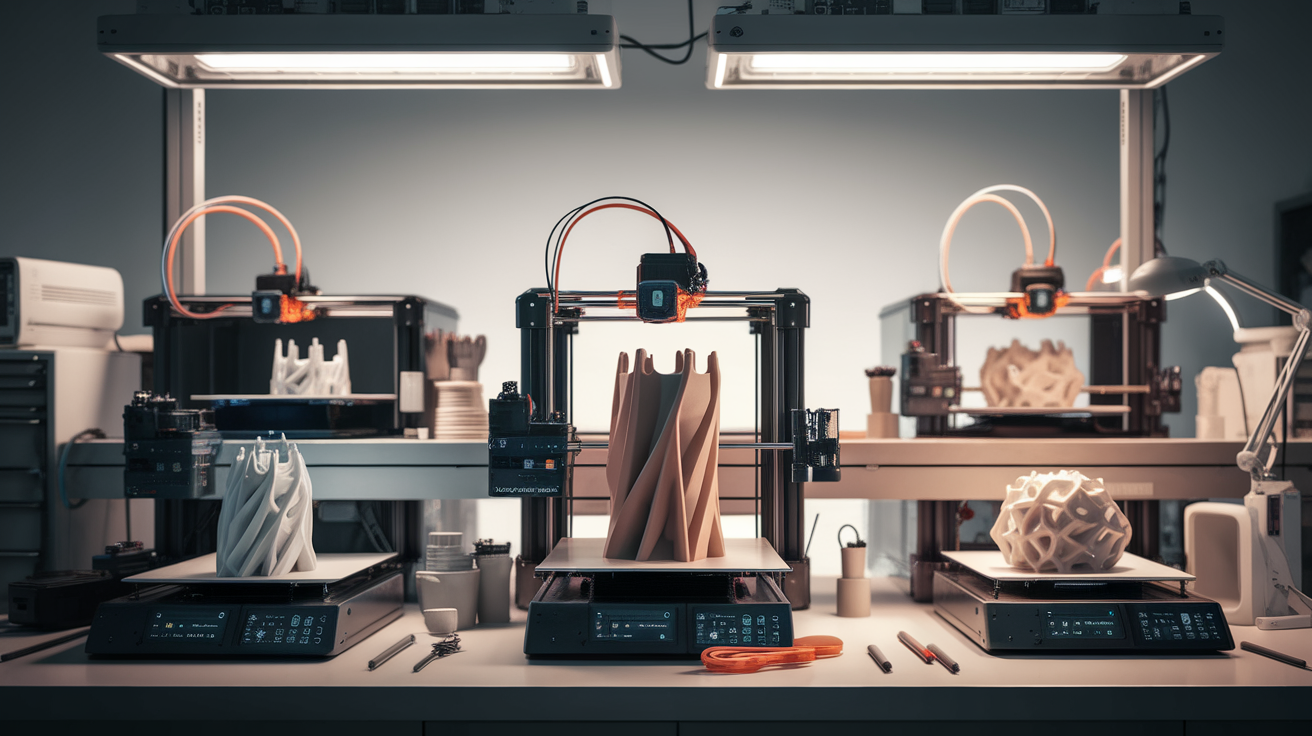
Print farm hardware splits into the printers and the supporting infrastructure. Printer choice depends on your products — Bambu P1S clusters dominate the small farm space because of their speed and reliability, while Voron 2.4 builds win for users who can tolerate hands-on maintenance for the lower per-printer cost.
The supporting infrastructure scales as follows:
- 2 printers: A Raspberry Pi 4 or 5 running Klipper or Octoprint can handle two printers via separate USB connections. Add a small UPS to handle brief power dips.
- 3–5 printers: Move to a small x86 mini PC (Beelink or similar, $200–300) running Linux. Network the printers via WiFi using their built-in interfaces (Bambu, modern Crealities) or via Klipper bridges (Voron, Ender 3 with Klipper).
- 6+ printers: Dedicated server hardware, structured network with VLAN separation for printers, central material storage with humidity control, and monitoring software with phone push notifications.
The power budget is real. Ten Bambu P1S printers running simultaneously draw roughly 6 kW peak during heated bed warmup, settling to 1.5–2 kW for steady-state printing. A typical residential 15 A circuit (1.8 kW continuous) cannot handle more than three printers safely. Plan circuit distribution before scaling.
Klipper for Multi-MCU vs Octoprint per Printer
Two architectures dominate. Klipper-based farms use one Klipper instance per printer (or Klipper’s multi-MCU support) all running on a single host computer, all controlled through Mainsail or Fluidd. Each printer becomes a tab in a single web interface. The advantages: unified UI, shared macros, single point of upgrade. The drawbacks: any host crash takes down all printers simultaneously, and the configuration files multiply quickly.
Octoprint farms run one Octoprint instance per printer, often on a single host using Octoprint’s recent multi-instance support, or with one Pi per printer. The advantages: instances are isolated (one crash does not cascade), the plugin ecosystem is mature, and the per-printer separation matches mental models. The drawbacks: more moving parts, more configuration, more update overhead.
For 2026, the recommendation is Klipper for technical users running CoreXY or Voron-style printers, and a hybrid Bambu Studio + Octoprint setup for users with a Bambu fleet who want minimal fuss. Bambu’s own Bambu Handy app handles small fleets adequately, but power users add OctoEverywhere for remote monitoring.
The Mainsail Multi-Printer Dashboard
Mainsail’s multi-printer mode is the killer feature for Klipper-based farms. From a single browser tab you see all printer states, current job names, progress percentages, and webcam thumbnails. Click any tile and you drop into the per-printer detailed view. Click again to return to the dashboard.
Setup involves one Mainsail instance configured with multiple printer.cfg files, each pointing at a different MCU. The instance lives on the central host (Pi or mini PC), and the printers connect via USB or via SBC bridges (one BTT Pi per printer for serial-to-network conversion).
The setup we recommend for 4-printer home farms: one Beelink mini PC with Klipper installed, four BTT SKR Pico bridges (one per printer), Klipper accessing each via dedicated USB. Mainsail dashboard shows all four. Total hardware cost beyond the printers: around $400.
Network Architecture
The network is the part most farms get wrong. Putting print machines on the same WiFi as your laptop and your Plex server creates contention every time a large file uploads. Symptoms include slow slicing transfers, dropped webcam frames, and intermittent printer disconnects.
The minimum viable architecture for 4+ printers:
- Wired ethernet between the host server and each printer (or to a switch each printer connects to). USB+Pi-to-printer is fine; the Pi-to-network link should be wired.
- A separate VLAN or SSID for printers, isolated from your main network. Most consumer routers support a guest network — use it.
- Static IP addresses for printers, either via DHCP reservation or static configuration. Dynamic IPs cause webcam URLs to break and slicer connections to fail randomly.
- The host server with a fixed local hostname (printfarm.local via mDNS) for easy access from any browser on the network.
For users with mesh WiFi, dedicate one node near the printer cluster and connect printers via ethernet to that node. The mesh handles the backhaul to your main router efficiently.
Print Queue Management Software
Manual file uploads do not scale beyond two printers. The job queue is what turns a printer collection into a farm. Three approaches in 2026:
- Mainsail / Moonraker job queue: Built into Klipper-based stacks. You drop GCODE files into a queue and Moonraker assigns them to the next available printer. Free, integrated, works well for 1–6 printers with similar capability.
- OctoFarm: Open-source dashboard layered on top of Octoprint instances. Centralized queue, statistics, and notifications. Free, requires more setup, scales to large farms but opinionated.
- Print Farm Manager (commercial): Tools like SimplePrint, OctoEverywhere Pro, and Polar Cloud offer paid SaaS print management. They cost $10–50 per month per printer but include SMS alerts, AI failure detection, and multi-user management. Worth it for active commercial users; overkill for hobby farms.
For a 4-printer home setup, Mainsail’s built-in queue with Moonraker covers everything most users need.
Camera and Monitoring
Every farm printer needs a camera. Not because you will watch them constantly, but because you will catch failures within minutes instead of finishing a 14-hour print on top of a spaghetti pile. The setup that works:
- One USB camera per printer (Logitech C270 at $25 is the price-performance leader for fixed-position monitoring).
- Camera feeds aggregated through the host server. Mainsail and Fluidd both display feeds in their dashboards.
- Failure detection via Spaghetti Detective (now part of Obico) or OctoEverywhere AI. Either subscription runs roughly $5–15 per month for 4-printer monitoring with phone push notifications.
- Optional second camera per printer for rear-angle view of the bed during first-layer establishment.
The cheap upgrade: an inexpensive thermal imaging webcam pointed at the printer cluster. Detects hot ends that fail to maintain temperature long before mechanical symptoms appear.
Power and Cooling
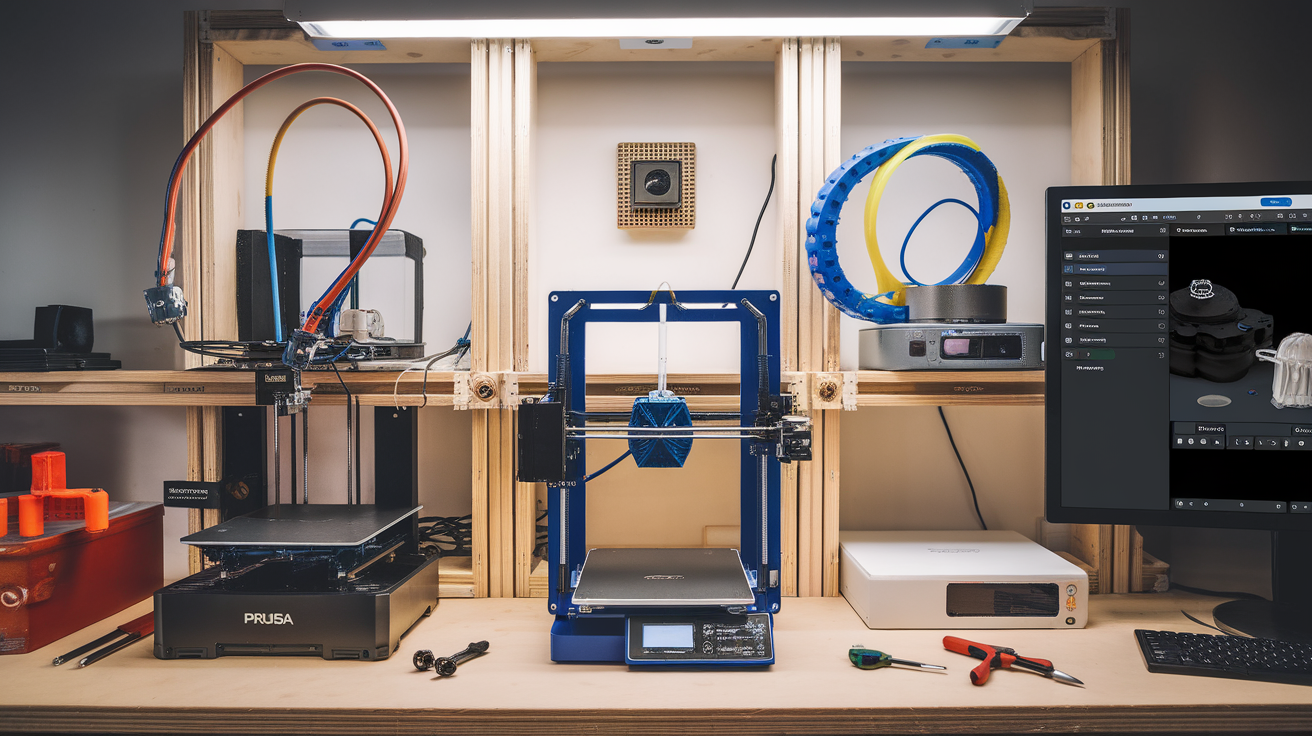
A four-printer setup running 16+ hours a day generates real heat and pulls real power. Practical considerations:
- Circuit planning: 15 A residential circuits handle three Bambu P1S printers safely. Four printers need either a 20 A circuit or split across two circuits.
- Room ventilation: ABS, ASA, and even some PETG release VOCs. A small farm in a closed bedroom builds up bad air over a long print. Add a window exhaust fan rated for the room volume.
- Ambient temperature: Print rooms above 30°C cause filament dryers to underperform and ABS warping. Target 20–25°C with active ventilation in summer.
- UPS sizing: A small 600 VA UPS keeps a 4-printer farm running through a 30-second power blip — the most common cause of mid-print failures from your utility. Invest in one.
Material Logistics
The least exciting part of running a print farm is also the part that consumes most operational time. With four printers running simultaneously you go through 1–2 spools of filament per day. Storage and dryness become real problems.
- Bulk storage: Plastic tubs with desiccant packs in a low-humidity area. Track inventory in a simple spreadsheet — running out mid-print is the most preventable failure mode.
- Active drying: Two filament dryers minimum for any farm. One running, one ready, swap as you load printers.
- Spool labeling: Date received, date opened, current humidity. Rotate stock first-in first-out.
- Color management: Decide on standard colors per printer if you can. Constant color swaps cost time and material in purge.
Real Numbers: Cost vs Throughput
Concrete numbers for a 4-printer home farm in 2026:
- 4 Bambu P1S printers: $2,800 ($700 each).
- Beelink mini PC: $250.
- 4 BTT Pi bridges or USB cabling: $120.
- Network switch and ethernet wiring: $80.
- 4 Logitech C270 webcams: $100.
- UPS, surge protection, distribution: $250.
- Initial filament stock (10 rolls): $250.
- 2 filament dryers: $200.
- Total startup: roughly $4,050.
Throughput at 16-hour daily operation per printer: roughly 60 print hours per day across 4 printers. At an average 6-hour print job, that is 10 finished products per day. For a small Etsy operation selling printed goods at $15–30 average, that scales to commercial revenue with the right product mix.
The Operational Reality
What people underestimate about running a home print farm: the operations work. Plan for 30–60 minutes per day of farm management — file slicing, print starts, removal of finished prints, filament swaps, troubleshooting. Below 4 printers this is sustainable as a hobby. Above 8 printers you are running a small business and need to staff it accordingly.
The good news: every step in the operations workflow has automation potential in 2026. AMS-style multi-material systems remove color swap overhead. Auto-bed-leveling removes calibration time. Print queue management removes the next-job decision. AI failure detection removes the constant babysitting. A 2026 farm with full automation is roughly 5x less labor-intensive than the same farm in 2020.
For deeper coverage of remote monitoring choices, our install Klipper Raspberry Pi guide covers the foundation Klipper setup. For the AMS multi-material system that supports farm-scale color swaps, our Prusa XL vs Bambu AMS comparison walks through the trade-offs.