What Is the Best 3D Printer for Miniatures in 2026? Resin vs FDM Showdown
Resin or FDM? The First Question You Must Answer
If you came here looking for a single model recommendation, we’ll save you scrolling: for detailed tabletop miniatures under 40mm tall, a masked-stereolithography (MSLA) resin printer is the correct answer in 2026, and it has been for five years running. Nothing in the FDM world has yet produced the same sub-100 micron XY resolution that resin achieves as a side effect of its physics. However, if you print larger display busts, terrain, or bases in the 50-200mm range, modern high-speed FDM printers have closed the gap enough to make them viable—and far cheaper to run per kilogram.
So the real first question is not “which printer” but “what do you actually print?” Skirmish game miniatures at 28mm or 32mm scale? Go resin. 75mm display busts, terrain pieces, or vehicles? Either works. Bulk army production where you want fifty orcs ready in a weekend? High-speed FDM saves serious money in resin and labor. This guide walks through both technologies, names specific printers worth buying right now, and gives you an honest cost of ownership picture so there are no surprises at the checkout.
Why Resin Wins on Detail
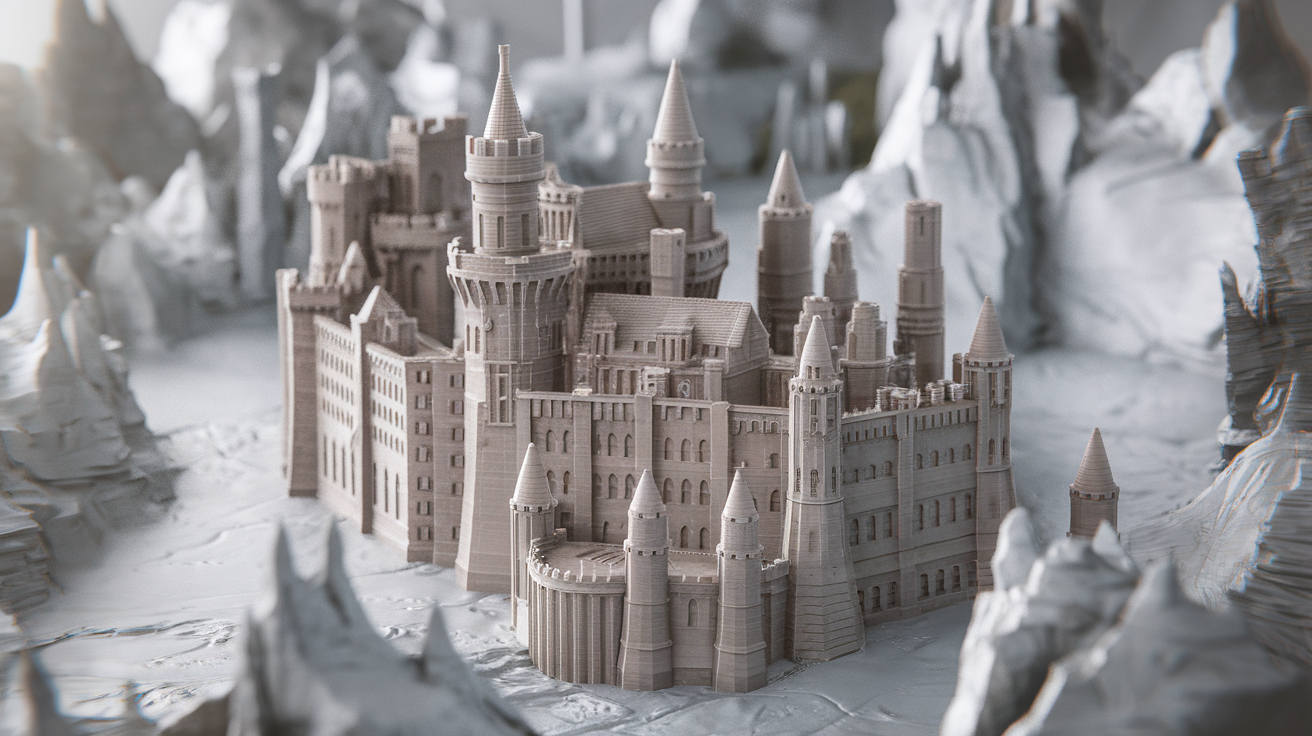
Resin printers cure liquid photopolymer layer by layer using a monochrome LCD mask. The smallest detail they can produce is limited by the LCD pixel size—on a modern 8K, 10-inch screen, that’s roughly 28-33 microns per pixel in the XY plane. FDM, by contrast, is limited by nozzle diameter (typically 400 microns) and physical filament flow. Even with a 0.2mm nozzle and perfect tuning, FDM cannot capture the cloak folds, facial features, or weapon edges on a 28mm miniature the way resin does straight off the build plate.
The trade-off is real. Resin is messier, smellier, and requires gloves, ventilation, and proper waste disposal. Prints need washing in IPA and a post-cure under UV light. You’ll spend roughly $40-60 per liter on a quality miniature resin like Siraya Tech Fast ABS-Like, Phrozen Aqua 8K, or Elegoo Water-Washable 8K. A liter yields perhaps 80-120 average 28mm minis depending on bases and supports. Compared to FDM at $20/kg giving you hundreds of prints, resin is genuinely more expensive per piece once you account for wash solvent, FEP film replacements, and cure time.
Top Resin Picks for Miniatures in 2026
Elegoo Saturn 4 Ultra 16K — The Sweet Spot
The Saturn 4 Ultra 16K ships with a 10-inch 16K mono LCD giving you 19-micron XY resolution, a tilt-release mechanism that has roughly halved peel forces versus traditional lift-and-drop machines, and a smart Wi-Fi workflow through the Chitubox cloud. At around $450 it has become the default recommendation for serious miniature hobbyists. Print speeds are genuinely fast (2-3 second exposures for most resins), and the build volume of 218 × 123 × 220 mm fits full army-level plate layouts.
Anycubic Photon Mono M7 Pro — Integrated Heater Wins the Winter
For makers in cold climates, the M7 Pro’s heated vat is a genuine quality-of-life upgrade. It holds resin at a steady 25-35°C even in unheated garages and basements, which eliminates the sluggish exposure behavior that ruins first layers in the winter. 10.1-inch 7K LCD, 35-micron XY, integrated air purifier, and a magnetic build plate for easy removal. Around $550.
Phrozen Sonic Mini 8K S — Budget Detail King
If you only print small skirmish figures and terrain bits, the 7.1-inch 8K mini is 22-micron XY and sells for under $280 new, under $200 used. Small build plate, no frills, but the detail rivals printers at twice the price. Great first resin machine.
Top FDM Picks for Larger Miniatures and Terrain
Bambu Lab A1 Mini — Easy Entry for 75mm+ Busts
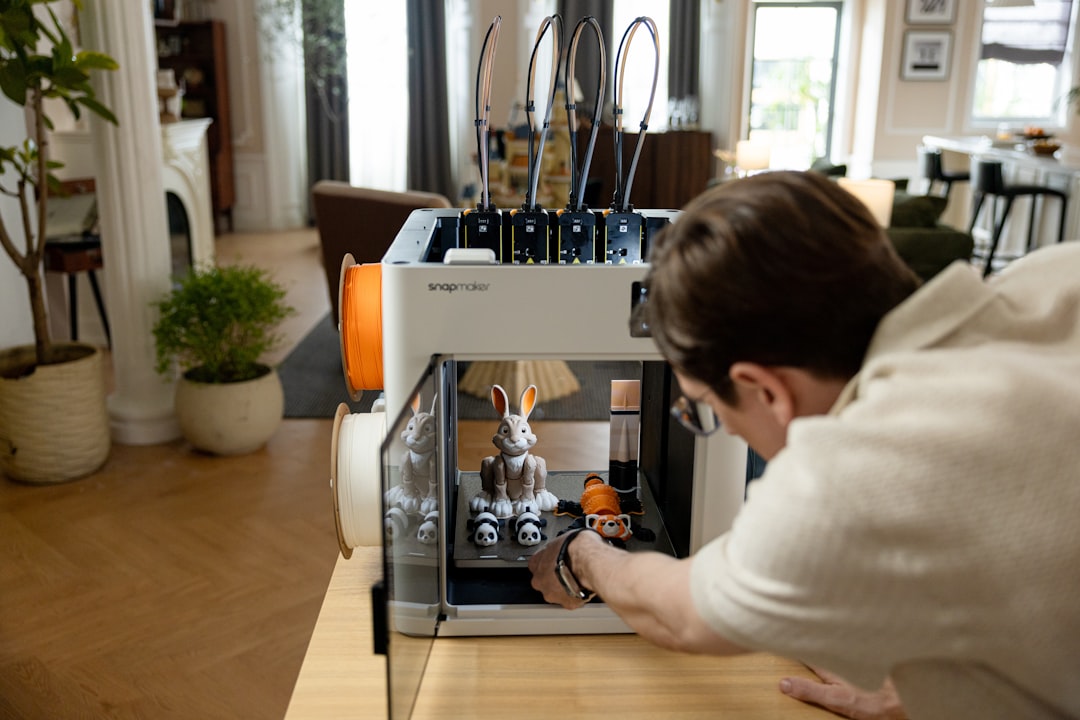
With a 0.2mm nozzle installed and PLA at 200°C, the A1 Mini produces surprisingly clean 75mm and 100mm miniatures. Auto-calibration, auto-flow, and AMS Lite support mean you can hand the machine to someone with zero experience and they’ll get usable results. $199 at launch pricing, now $259 with AMS Lite. Build volume is small (180 × 180 × 180 mm) but perfect for busts and single figures.
Prusa Mini+ — Reliable Workhorse
The Mini+ has been Prusa’s budget offering for years because it keeps working. 180 × 180 × 180 mm build volume, excellent firmware, and a community that has tuned every possible setting for miniature printing. Pair it with a 0.25mm Quattro nozzle for extra detail. Around $459 assembled.
Creality K1C — Fast and Enclosed
For terrain and large vehicle prints, the K1C’s enclosure, active filtration, and 600 mm/s print speeds let you churn through table-sized pieces quickly. Pair it with a fine 0.2mm nozzle and PLA+ for terrain battlemaps. $559 as of April 2026.
Technology Comparison: What Matters for Miniatures
- XY Resolution — Resin: 19-35 microns. FDM: 200-400 microns. For faces and small details, resin wins by an order of magnitude.
- Z Resolution (layer height) — Resin: 10-50 microns typical. FDM: 80-200 microns for miniatures. Resin is smoother on curved surfaces.
- Build Plate Size — Resin peels off the FEP, limiting plate size physics-wise. FDM can go huge (Bambu X1E: 256 × 256 × 256 mm and up).
- Print Speed (per miniature) — A single 28mm mini takes 1-2 hours on resin, 2-4 hours on FDM with a fine nozzle. But a full plate of 20 resin minis is the same 3 hours as one; FDM scales linearly.
- Material Cost — Resin: $40-60/L. FDM PLA: $18-25/kg. Per mini, resin is roughly 2-3× the material cost.
- Cleanup — FDM: snip supports, done. Resin: wash in IPA (safety gloves mandatory), cure under UV, dispose of contaminated solvents responsibly.
Slicer Settings That Make or Break Miniatures
Resin (Chitubox / Lychee)
Use 0.05mm layer height for bodies, 0.03mm for detail work like faces. Light supports (50% light) placed manually on unobtrusive surfaces—avoid direct contact with shield faces, weapon edges, and facial features. Raft: low elephant-foot compensation (0.2mm). Anti-aliasing on, grey level 8. Bottom layers 2-3 with 25-second exposure. Normal exposure varies by resin; start with the manufacturer’s recommendation and use a validation matrix (AmeraLabs Town, Siraya RSF) to fine-tune.
FDM (OrcaSlicer / PrusaSlicer)
For 0.2mm nozzle: 0.08-0.12mm layer height. Wall count 4 (you want rigid figures). Print speed 30-50 mm/s max—miniatures don’t like fast speeds because corner accuracy matters. Cooling 100% over 15mm layer time. Outer wall speed 20-25 mm/s. Z seam: “nearest” with aligned seam to hide it on the back. Support: tree supports, 45° threshold, 0.3mm top interface layer distance. Fuzzy skin at 0.3mm thickness, 1.5mm density for a “primed” look on cloaks.
Cost of Ownership: Three Years Out
We ran the numbers for a hobbyist printing about 10 miniatures a week over three years:
- Resin (Saturn 4 Ultra path): $450 printer + $180 wash/cure station + $720 resin (40L total) + $180 FEPs and consumables + $120 IPA and gloves = $1,650 over three years for roughly 1,500 miniatures. About $1.10 per mini.
- FDM (Bambu A1 Mini path): $259 printer + $360 PLA (20kg, generous estimate) + $45 nozzles and misc = $664 over three years for roughly the same count, though with slightly lower detail. About $0.44 per mini.
FDM is meaningfully cheaper long-term but the output quality on small figures is visibly lower. Most serious hobbyists end up with one of each: a resin for characters and an FDM for bases, terrain, and vehicles.
Safety and Ventilation Considerations
Resin fumes are irritating at best and sensitizing at worst. Print in a ventilated area, wear nitrile gloves when handling uncured resin, use safety glasses when pouring, and never dispose of liquid resin down a drain—UV cure it to a solid first, then trash it. Anycubic and Elegoo now ship printers with carbon filtration built in; this does not replace fresh air but it helps. If you’re sharing living space, consider the Elegoo Mars 5 Pro with Wireless and locate it in a garage or dedicated hobby room.
FDM emits ultrafine particles too, especially when printing ABS, ASA, or PC. For PLA miniature work this is minor, but an enclosure with HEPA/carbon filtration (Bambu P1S or a DIY enclosure around your A1 Mini) is worth having in a shared living space.
Frequently Asked Questions
Is a $200 resin printer good enough for 28mm minis?
Yes. The Mars 5 at roughly $199 and the Phrozen Sonic Mini 8K S under $280 are both fully capable of publication-quality 28mm work. The newer, more expensive machines are faster and have larger build volumes, but the detail on a single mini is essentially indistinguishable to the naked eye.
Can I paint FDM miniatures as nicely as resin?
With layer-line minimization (0.08mm layers, fine nozzle, fuzzy skin, good cleanup) and a heavy primer coat like Army Painter Matte Black Colour Primer, yes. The layer lines disappear under primer and thin paint layers. It takes more work than resin and you’ll lose the finest face details, but tabletop-quality results are achievable.
Should I buy a wash-and-cure station or DIY?
Buy one. The Elegoo Mercury Plus V2 or Anycubic Wash & Cure 2.0 are $90-120 and pay for themselves in time saved and solvent contained. DIY with an ultrasonic cleaner works but is messier and you’ll eventually spill IPA on something you care about.
How long does a resin LCD screen last?
Modern mono LCDs last 2,000-3,000 hours of UV exposure, roughly 1-2 years for a heavy hobbyist. Replacements are $50-80 and user-serviceable in under an hour. Factor this into long-term cost.
What’s the best free slicer for resin miniatures?
Chitubox Basic (free) handles 95% of what hobbyists need. Lychee Slicer has a free tier with watermarked exports—the paid Pro version at $60/year is worth it for the superior auto-support generation, which is what hobbyists buy Lychee for.
Do I need a PC or can I slice on a phone?
Most slicers are desktop-only, but Chitubox and Lychee both have iOS/iPad apps that slice simple files. For serious miniature work with heavy support tuning, you need a desktop with a decent GPU.