CoreXY vs Bedslinger in 2026: The Honest Kinematics Comparison for Hobbyists
CoreXY vs bedslinger: the decision, in one paragraph
If you are deciding between a core xy vs bedslinger printer in 2026, the short answer is this: bedslingers are cheaper, simpler, easier to repair, and perfectly capable of excellent prints up to roughly 150 mm/s. CoreXY machines cost more, take more tuning, and reward you with higher top speeds, better dimensional consistency on tall parts, and quieter operation. For most hobbyists at the $300-$600 tier the bedslinger is the right answer. For anyone chasing 300+ mm/s production speeds or printing tall thin parts, the CoreXY is worth the money. Below I unpack why, starting from the mechanics and ending at the practical workflow differences that matter when you are standing in front of the printer at 2 am.
What “bedslinger” and “CoreXY” actually mean
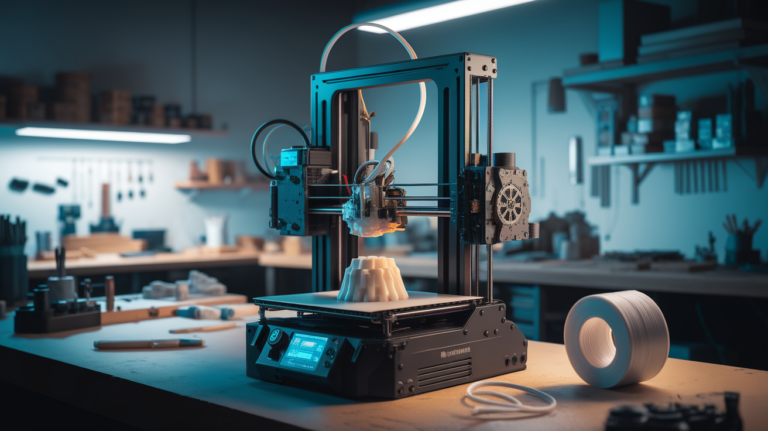
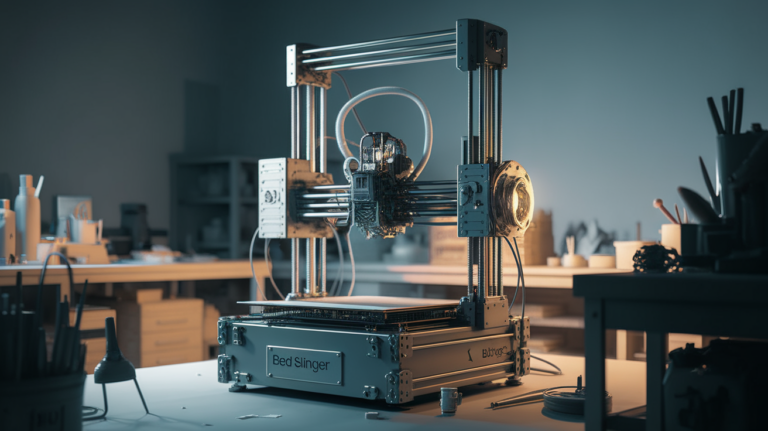
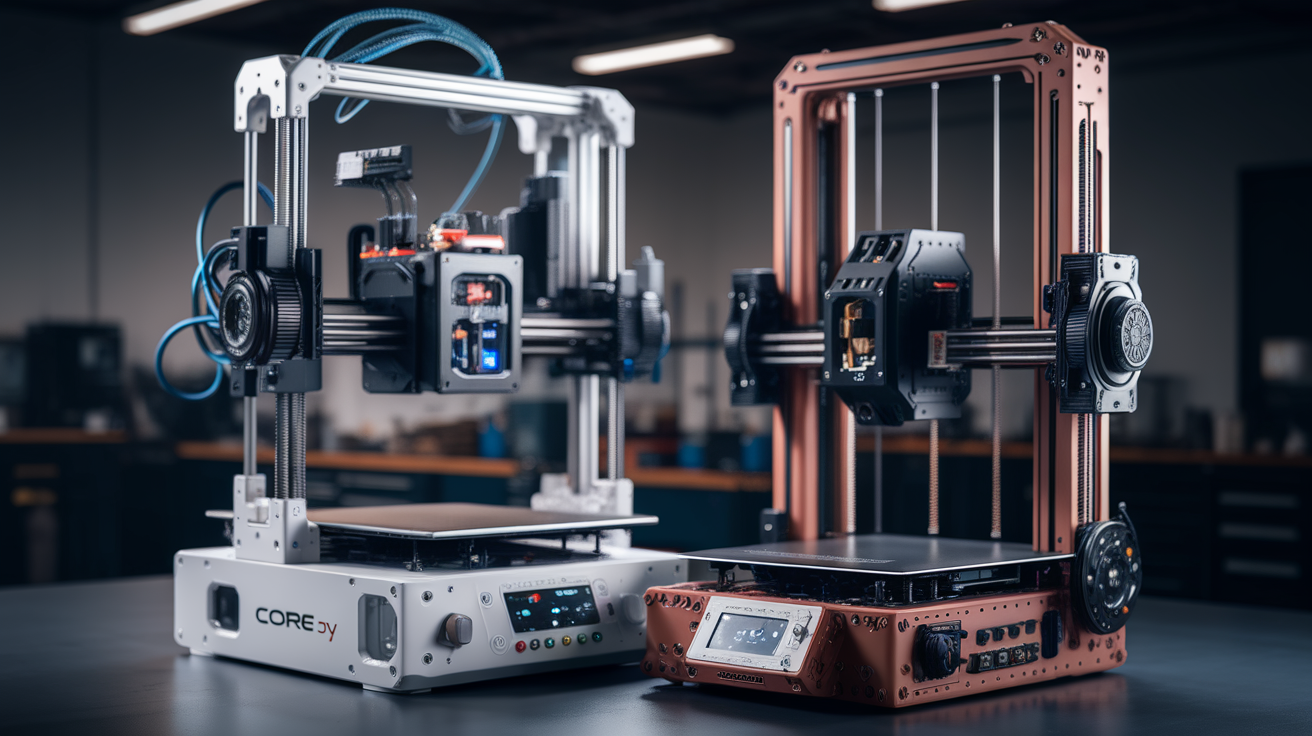
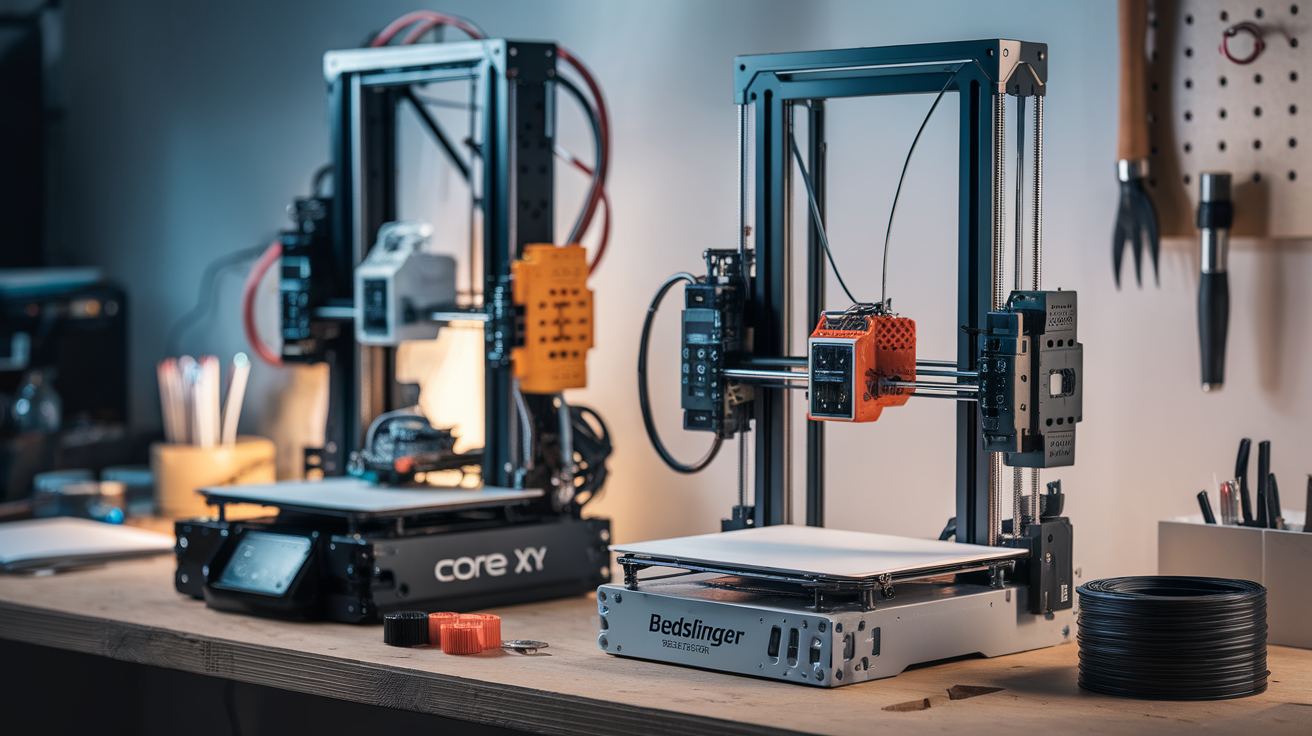
A bedslinger is a Cartesian printer in which the heated bed moves back and forth along the Y axis while the toolhead handles X and Z. The Creality Ender 3, Prusa MK4, and Bambu A1 are all bedslingers. The name is informal and a little pejorative, but it describes the defining trait: the bed, which is heavy and getting heavier as the print grows, has to be accelerated in one direction for every Y move. That physical fact sets the ceiling on how fast the printer can go and how well it handles tall prints.
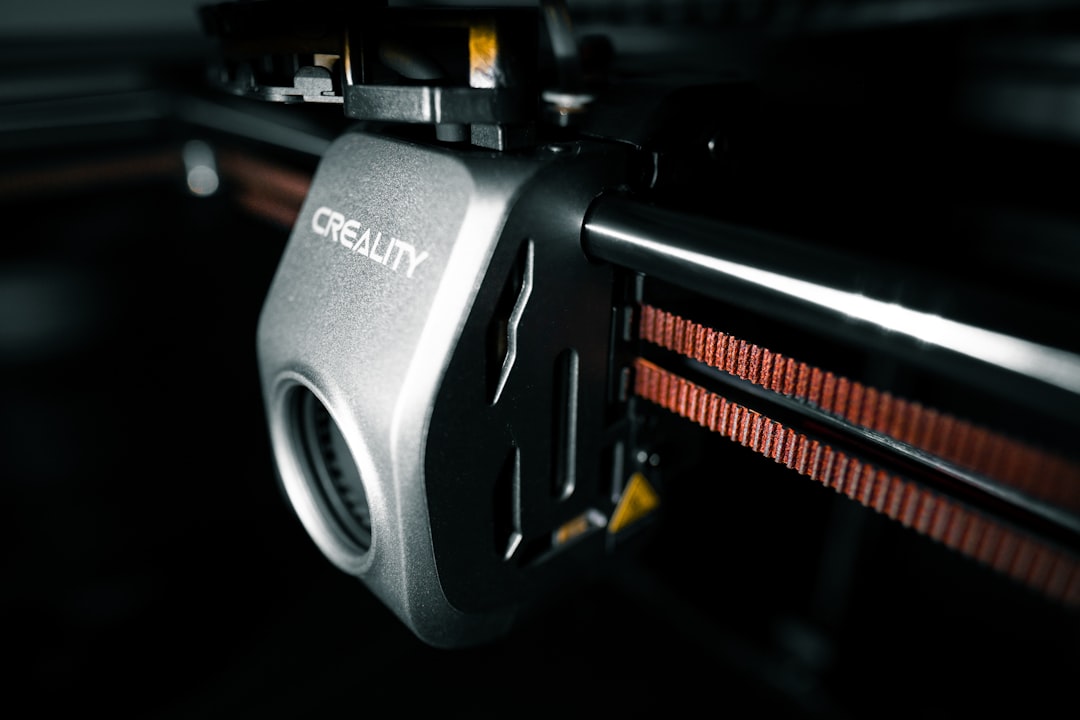
CoreXY is a different kinematic system in which the X and Y movement of the toolhead is driven by two stationary motors connected by a pair of belts arranged in a specific crossing pattern. The bed only moves in Z, usually slowly, a few times during the print. Because both motors stay still and only the lightweight toolhead moves on X and Y, a CoreXY machine can accelerate faster, run quieter at the same speed, and hold higher top speeds without the frame flexing. The Voron 2.4, Bambu X1 Carbon, Creality K1C, and QIDI Q1 Pro are all CoreXY.
Why the moving bed matters more than new users think
The single most important consequence of a moving bed is momentum. A glass bed plus aluminium heater plus a finished 500 g part weighs about 1.7 kg. Every Y-axis move has to reverse that mass. At 50 mm/s the motors handle it easily. At 150 mm/s the frame starts to resonate and you see ghosting and ringing on the walls of the print. Push higher and the belt begins to skip or the frame begins to twist, producing layer shifts that only appear on tall prints.
That is why bedslinger manufacturers all converge on the same speed tier: 120-180 mm/s cruise speed with input shaping enabled, 250-300 mm/s absolute maximum that works only for short travel moves. The Prusa MK4 hits 250 mm/s in demo prints and typically runs 120-180 mm/s in real work. The Bambu A1 claims 500 mm/s but the marketing number hides what actually happens: the slicer aggressively slows down on corners and overhangs. Your effective cruise on a real part is 180-220 mm/s.
CoreXY printers do not have this ceiling. The Voron 2.4 cruises at 250 mm/s and peaks at 500 mm/s on long infill moves. The Bambu X1 Carbon runs 250 mm/s default with 20 000 mm/s² acceleration. Same part, same slicer, the CoreXY finishes 20-40% faster with less surface ghosting because the frame sees smaller forces per axis move.
Tall prints expose the weakness of bedslingers
Here is the test that separates the two architectures. Print a 250 mm tall thin-walled vase at 100 mm/s on a bedslinger and then on a CoreXY. The bedslinger vase will lean or twist slightly because the Y-axis motion creates a cyclic moment on the bed, which transfers force to the gantry, which rocks the Z rails at the top of travel. The CoreXY vase comes out straight because the gantry is fixed and the bed only moves in Z.
This is not theoretical. Every community builder who has switched from an Ender 3 to a Voron describes the same experience: miniature prints are indistinguishable, but a 200 mm tall helmet or lampshade is visibly straighter off the CoreXY. Not dramatically so — a well-tuned Prusa is close — but the difference is there and it compounds with print height.
Cost difference in 2026 and where it shows up
The price gap has narrowed but has not disappeared. A competent bedslinger costs $180 (Ender 3 V3 KE) to $800 (Prusa MK4S). A competent CoreXY costs $550 (Creality K1C) to $1500 (Bambu X1 Carbon) to $2500-plus (Voron kits with toolhead electronics). For the same print quality in a small format, you pay 2-3x more for the CoreXY.
Where the CoreXY earns that price difference is production throughput. A shop running eight prints a day on a Prusa MK4 can switch to a Bambu X1 Carbon and finish the same eight prints in the same shift with 90 minutes to spare. Over a year of print-farm operation, the speed difference is meaningful. For a hobbyist who runs one or two prints a week, the bedslinger’s slower pace is invisible.
Noise, enclosure, and where the printer sits
Bedslingers are louder for two reasons. First, the bed slams back and forth, transferring vibration to whatever the printer sits on. An Ender 3 on a wooden desk in a bedroom at 2 am is genuinely disruptive. Second, bedslingers typically have stepper motors on the X and Y axes that run at higher currents because they are moving heavier loads. Both factors add up.
CoreXY machines with fully enclosed cases are noticeably quieter. A Bambu X1 Carbon at 250 mm/s is audible but not intrusive. A Voron 2.4 with a damped enclosure is quieter still. If you print in the same room you sleep in, this alone is worth the upgrade.
Enclosures matter for more than noise: ABS, ASA, polycarbonate, and carbon-filled filaments all need a warm stable chamber to print well. CoreXY designs enclose more naturally because the toolhead is the only moving element outside the bed travel. Enclosed bedslingers exist but always feel like a compromise — the bed has to move inside the enclosure, which complicates airflow and often causes chamber temperature gradients.
Maintenance, repairs, and tuning difficulty
This is where bedslingers fight back. An Ender 3 has six belts, two lead screws, and a mainboard any 3D printing forum can talk you through repairing. A Voron 2.4 has twelve belts, a toolboard, an umbilical, and a frame built from 2040 extrusion that demands square assembly to a tenth of a millimetre. Tuning input shaping on a bedslinger is mostly point-and-click with Klipper. Tuning input shaping on a CoreXY requires per-axis resonance measurements and often a cross-check pass after any belt adjustment.
For a first printer, the bedslinger is forgiving. You can misassemble it, re-square it, replace a belt, and keep going. The CoreXY is less forgiving: a single loose belt in the CoreXY arrangement makes one axis drift and the other lose step, producing weirdly skewed prints that are hard to diagnose until you realise both axes are coupled mechanically.
This is why community wisdom has settled on the same recommendation for years: your first printer should be a bedslinger unless you genuinely enjoy tuning, and your second printer should be a CoreXY if your first printer did not scare you off.
Print quality on reasonable-sized parts is basically identical
One myth worth killing: CoreXY machines do not produce higher-detail prints on small parts. A well-tuned Prusa MK4 and a well-tuned Voron 2.4 running the same filament at 80 mm/s produce parts indistinguishable at arm’s length. The CoreXY advantage is not resolution or fine-detail fidelity. It is speed, consistency on tall prints, enclosure quality, and acoustic profile.
If you are printing miniatures at 0.08 mm layer height, either printer is fine. If you are printing engineering prototypes that need dimensional accuracy, either printer is fine once calibrated. If you are printing large cosplay pieces at 0.28 mm layers and need them done overnight, the CoreXY wins on wall clock time but not on the finished appearance.
Who should pick which, in 2026 concretely
Pick a bedslinger if any of the following apply. You are buying your first printer. Your budget is under $500. You expect to tinker, break things, and learn from repairs. You print parts smaller than 150 mm in each dimension. You do not run the printer overnight and speed does not matter.
Pick a CoreXY if any of the following apply. You already own a bedslinger and it has taught you the hobby. Your budget reaches $800 or more. You print engineering materials like ABS, ASA, PA-CF and need a good enclosure. You print large and tall objects where dimensional straightness matters. You run the printer in a shared living space and noise is a problem. You run a small print farm and throughput per machine matters.
A final honest observation: the advertised speed claims from both categories are inflated. Any printer’s “maximum speed” is a laboratory number that only appears in marketing videos, never in your actual prints once the slicer’s corner deceleration, overhang slowdowns, and first-layer adhesion settings all fire. Real-world cruising speed on any bedslinger is 100-180 mm/s; real-world cruising on a good CoreXY is 180-280 mm/s. That ~50% speed advantage is the entire reason CoreXY exists, and whether it is worth the 2-3x price gap depends entirely on how much wall-clock time your prints eat in a normal week.
Hybrid thinking: should you buy both?
If the budget allows, the common pattern for serious hobbyists is a $300-500 bedslinger for quick single-part work plus a $1000+ CoreXY for overnight production runs and engineering materials. The bedslinger is the workbench printer you drop small fixtures on. The CoreXY is the factory printer you let run unattended. This split ends the which-is-better argument because you stop comparing them on their weaknesses and use each for its strength. It is also why CoreXY ownership rarely displaces bedslingers in a workshop — it joins them.