HEPA and Carbon Air Filter for 3D Printer Enclosure: VOC Reduction 2026
Why 3D Printer Air Filtration Is a 2026 Standard, Not an Upgrade
The research on 3D printer emissions has reached the point where running an unfiltered FDM printer in a living space is no longer reasonable. Studies published between 2023 and 2025 have measured ultrafine particle emissions and volatile organic compound (VOC) outputs from common filaments and found that ABS, PETG, nylon, and ASA all release concentrations that exceed indoor air quality guidelines when printed without filtration. PLA emits less but is not zero, particularly during long prints or when printed at the higher end of its temperature range.
This guide walks through what an actually effective 3D printer air filtration setup looks like in 2026, what to buy, and what not to waste money on. The information comes from published research, community testing in active 3D printing labs, and personal experience running printers in residential spaces.
What 3D Printer Emissions Actually Contain
3D printer emissions break into two categories: ultrafine particles (UFPs) and gaseous VOCs. Both need different filtration approaches and a setup targeting only one is incomplete.
Ultrafine particles are smaller than 100 nanometers in diameter, which puts them below the size that the human respiratory system can clear effectively. UFPs from FDM printers are mostly molten plastic droplets that solidify in the air around the nozzle. PLA produces about 10-30 billion particles per minute during printing; ABS produces 100-200 billion per minute. PETG falls between these numbers.
VOCs are gaseous compounds released as the plastic melts. ABS releases styrene, ethylbenzene, and other aromatics. PLA releases small amounts of caprolactam and methyl methacrylate. PETG releases small amounts of acetaldehyde and ethyl acetate. Nylon releases significant caprolactam, which is the source of the characteristic “nylon smell” during printing.
HEPA filters capture UFPs effectively. They do nothing for VOCs. Activated carbon filters capture VOCs. They do little for UFPs. Effective filtration requires both, in series, with adequate airflow through both.
What Does Not Work: The Active Carbon Disc
Many 3D printers in 2026 ship with a small “active carbon filter” — a thin disc of carbon-loaded foam, often the size of a coffee filter, mounted somewhere in the printer’s air path. Examples include the Bambu P1S, Creality K1C, and Anycubic Kobra 3 Plus.
These filters provide visible psychological reassurance and some smell reduction, but the actual emission reduction is modest. The carbon mass is small, the airflow is restricted, and the contact time between air and carbon is too short for meaningful adsorption. Independent testing has shown these built-in filters reduce VOC concentrations in the immediate enclosure by 20-40 percent, not the 90 percent that effective filtration should achieve. They also need replacement every 100-200 print hours, which adds up in running cost without delivering the filtration that justifies it.
Treat built-in carbon filters as a small bonus, not as your primary filtration strategy. They are better than nothing but they do not replace proper filtration.
The Recommended Setup: Dedicated Filter Unit in the Enclosure
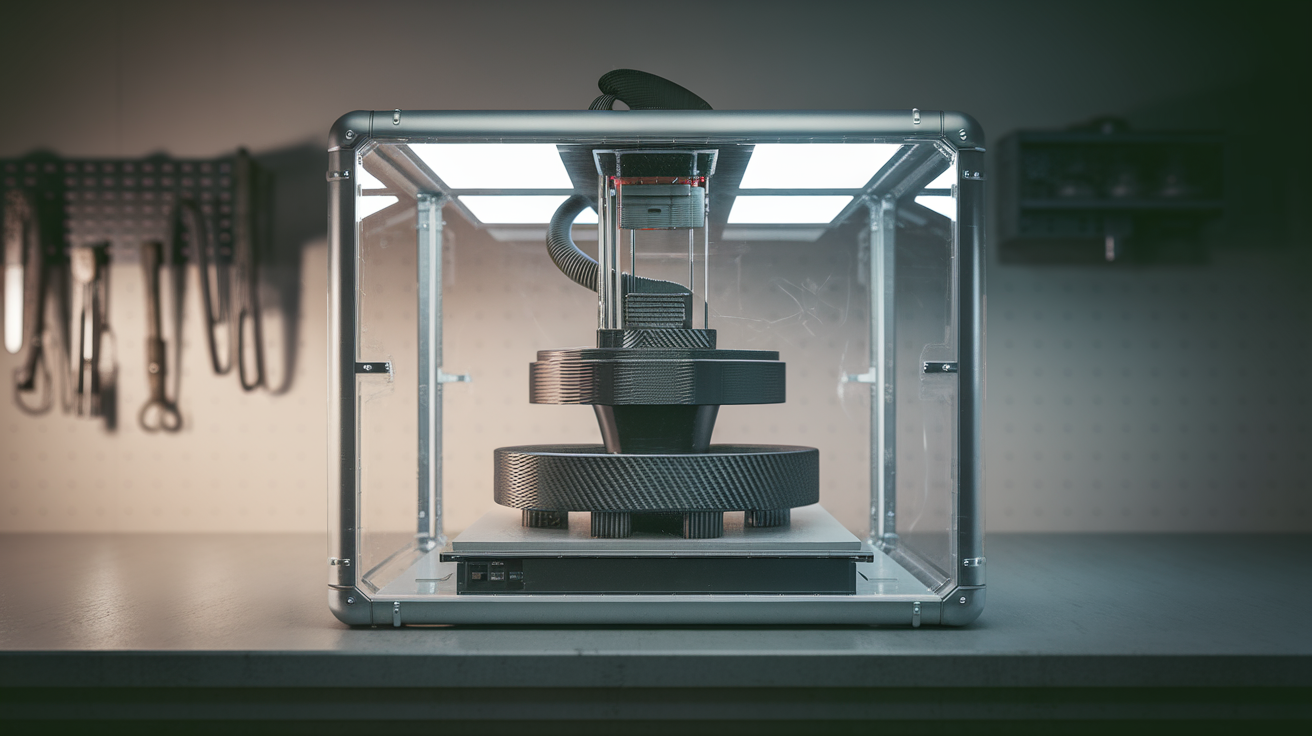
The setup that actually works is a dedicated air filter unit, with HEPA and granulated activated carbon in series, sized to handle the chamber volume of the printer. A typical 3D printer enclosure (Bambu P1S, Voron 2.4, custom Lack-table enclosure) has roughly 100-200 liters of internal volume. Air should circulate through the filter at least 4-6 times per hour during printing, which means a minimum 10-30 cubic meters per hour airflow rating on the filter unit.
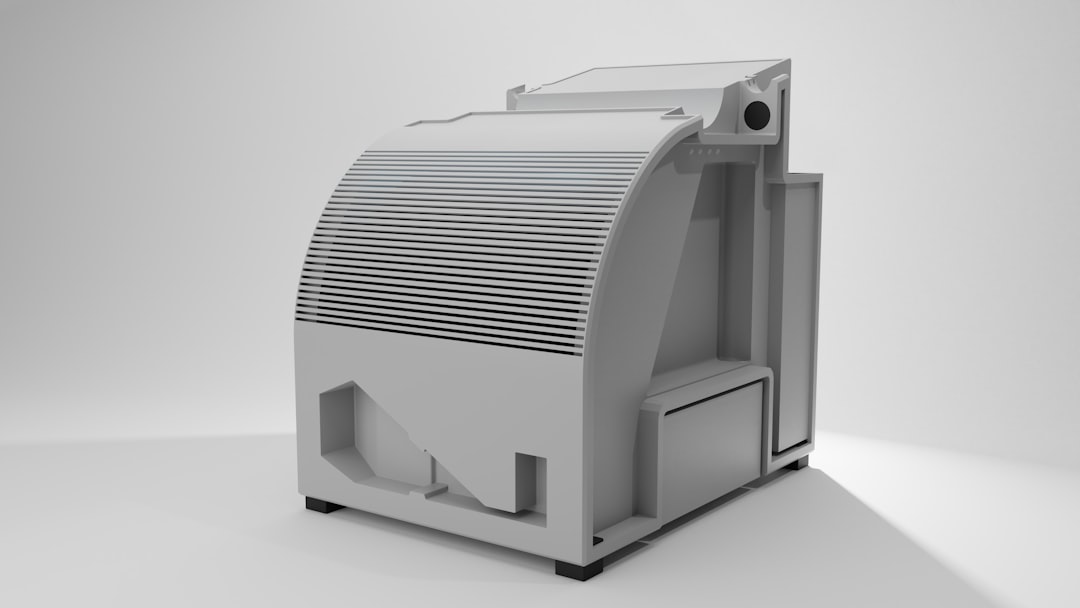
The Bento Box filter (open-source 3D printable design) with proper HEPA H13 and granulated activated carbon (not the lightweight foam) is the community-standard solution in 2026. The filter unit fits inside the enclosure, draws in air through HEPA first then carbon, and circulates filtered air back into the enclosure. Build cost is around $40-60 in parts plus the filter elements ($20-40 to refill).
The commercial alternative is the Nevermore filter (similar design, available as a kit) or commercial units from 3DPRINTBL, Toybox, and Eibos. Prices for commercial units run $80-180. Performance is similar to Bento Box if built correctly; the commercial advantage is that you do not have to print the housing yourself.
Sizing the Filter Correctly
The two parameters that determine filter effectiveness are filter surface area and contact time. HEPA filter surface area determines particle capture rate at a given airflow — a small HEPA element will saturate quickly with high airflow, reducing filtration efficiency. Carbon contact time determines VOC adsorption efficiency — gas molecules need to physically touch the carbon surface, and high airflow through a thin carbon layer reduces this contact time below useful thresholds.
For a 200-liter enclosure, the minimum spec is HEPA H13 with at least 0.1 square meters of filter surface area and at least 200 grams of granulated activated carbon with 1-3mm particle size (not powder, not foam). For larger enclosures (300+ liters), scale these numbers proportionally. The carbon mass is the easier parameter to get right; the HEPA size is the one where users undersize and lose performance.
Filter Lifetime and Maintenance
HEPA filters in a 3D printer enclosure last 500-1500 print hours before the captured particles reduce airflow noticeably. Most filters do not need replacement based on time so much as on observed reduction in airflow. If the filter unit’s fan is running but air movement out of the enclosure feels weak, the HEPA is loaded and needs replacement.
Activated carbon filters in this environment last 200-500 print hours of typical ABS or nylon printing, longer for PLA-only use. Carbon does not “look loaded” the way HEPA does — it just stops adsorbing VOCs when the surface area is saturated. The way to detect carbon exhaustion is by smell — if the printer smell returns when printing ABS that did not smell before, the carbon is exhausted.
Replace HEPA and carbon together on a calendar basis if you cannot easily measure: every 300 print hours for heavy mixed-material use, every 600 for PLA-dominant use. The annual cost works out to $40-100 in replacement filters for steady use.
Particle Counters and Verifying Your Setup Works
The way to know your filtration setup is working is to measure with a particle counter. Consumer-grade particle counters (Temtop M2000, Atmotube Pro, IQAir AirVisual) measure PM2.5 and PM1 particles. These are larger than the ultrafine particles 3D printers actually emit, but PM2.5 readings correlate with UFP concentration well enough to detect whether filtration is working.
Run a baseline measurement in the room before printing, then measure during a print at 1 meter from the printer. With effective filtration, the during-print number should not rise more than 20-30 percent above baseline. A larger rise indicates the filtration is undersized or air is leaking out of the enclosure. Without filtration, expect the number to multiply by 5-20 times during ABS prints.
VOC measurement requires a more specialized sensor. The SGP30 or SGP40 chips (commonly found in Awair Element, Atmotube Pro, and DIY ESP32 builds) provide adequate sensitivity for 3D printer VOC monitoring. Watching VOC trends during and after prints confirms that the activated carbon stage is keeping up with VOC output.
The Venting Alternative
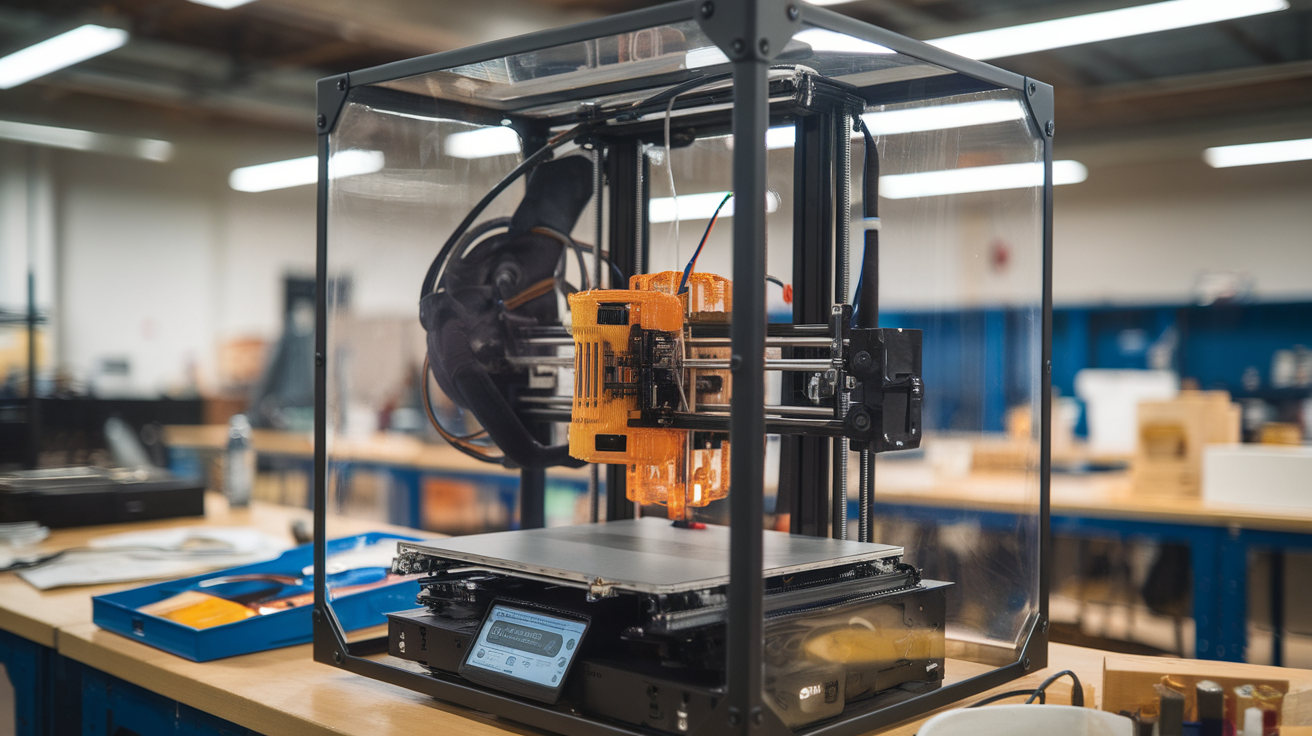
If you can run a 4-inch flexible duct from the printer enclosure to a window or wall vent, venting completely eliminates the indoor air quality concern. A small inline fan ($30-50) provides the necessary airflow. The trade-off is that you lose the heated chamber effect — air leaving the enclosure has to be replaced by air from the room, which cools the chamber. For ABS and ASA printing where chamber temperature matters, this can cost you the chamber heat that makes those filaments print reliably.
The practical compromise for many users is to vent during high-emission prints (ABS, ASA, nylon) and filter during PLA-only prints. The vent fan can be controlled by a smart plug tied to your slicer, automating the switch based on filament type.
Building Versus Buying the Filter Unit
The decision between printing a Bento Box and buying a commercial unit comes down to time, printer access, and how much you value finished aesthetics. The Bento Box prints in about 18-24 hours of total print time across 8-12 parts, then assembles with a handful of fans, a 12V power supply, and the filter elements. Total parts cost is around $35-55 depending on fan quality. Build time after printing is 60-90 minutes.
Commercial units like the 3DPRINTBL Air Filter or Eibos units ship assembled, look more polished, and integrate cleanly into commercial-feel setups. Performance is comparable to a well-built Bento Box. The premium pays for time saved and a finished look. For a working printer in a home office or workshop, the Bento Box is usually the rational choice. For a printer in shared living space where appearance matters, the commercial option is reasonable.
Putting It All Together: A Realistic Setup
A reasonable home 3D printing filtration setup in 2026 looks like this: printer enclosed properly with sealed doors and minimal air leaks; Bento Box or Nevermore filter unit inside the enclosure running continuously during prints; HEPA H13 element rated for at least 0.1 square meters of surface area; 200-300 grams of granulated activated carbon; ducted vent option for ABS and nylon prints; filter unit and vent controllable from your home automation or smart plug.
Total cost: $80-180 for the filter unit if buying commercial, $40-80 if building from open-source files. Annual running cost: $50-120 in filter replacements depending on printing intensity. Compared to the cost of the printer itself and the cost of a doctor’s visit for respiratory issues, the math is straightforward.
Air filtration on 3D printers in 2026 is no longer a “should you” question; the research has been clear for two years. It is a “how to do it well” question. The setup above is what doing it well looks like.